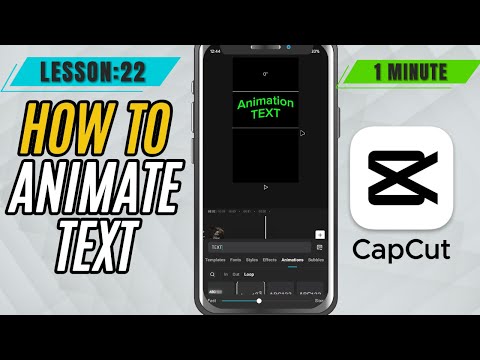
CapCut Mobile Tutorials - Zero to Hero Beginners Course - How to Style and Animate Text in CapCut Mobile - Lesson 22 CapCut Mobile Tutorial
5.0(2)
15 learners
What you'll learn
This course includes
9.5 hours of video
Certificate of completion
Access on mobile and TV
Summary
Full Transcript
Want to make your text pop and move in CapCut Mobile? In this tutorial, you'll learn how to easily apply text styles and animations to give your titles, subtitles, or captions a professional look. CapCut Mobile lets you add bold outlines, shadows, glowing effects, and even smooth motion presets like slide, bounce, or fade—all with just a few taps.
Perfect for enhancing reels, vlogs, lyric videos, or intros with eye-catching text that grabs attention.
#capcut #capcutmobile #capcuttutorial
Continue this lesson in the app
Install CourseHive on Android or iOS to keep learning while you move.