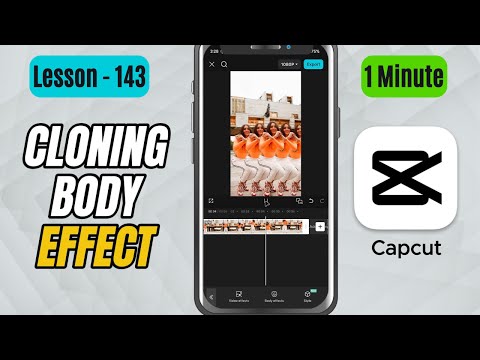
CapCut Mobile Tutorials - Zero to Hero Beginners Course - How to Create a Cloning Effect in CapCut Mobile - Lesson 143 CapCut Tutorial
5.0(2)
15 learners
What you'll learn
This course includes
9.5 hours of video
Certificate of completion
Access on mobile and TV
Summary
Full Transcript
In this tutorial, you’ll learn how to create a Cloning Effect in CapCut Mobile using the Doppelganger effect. This effect generates multiple duplicates of your subject within the same frame, giving you a cool multiplying visual.
We’ll apply the effect from the Body Effects section and then adjust important sliders like Twist (clone spacing), Speed, Amount, Intensity, and Rotation to control how the clones appear.
Whether you’re making music videos, creative reels, or futuristic edits, this effect helps add a fun and visually striking twist to your scenes.
Don’t forget to like, share, and subscribe for more CapCut Mobile tutorials!
#capcut #capcuttutorial #capcutmobile
Continue this lesson in the app
Install CourseHive on Android or iOS to keep learning while you move.