
Summary
Full Transcript
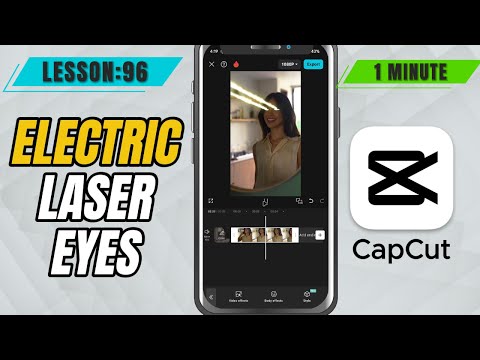
Give your videos a powerful, superhero-style makeover with the Electric Laser Eyes effect in CapCut Mobile! In this tutorial, you’ll learn how to apply this dynamic eye beam effect using Body Effects, and how to fully customize it using the built-in Color, Range, Intensity, and Filter sliders. Whether you're making meme edits, action scenes, or stylized content—this effect will level up your visuals. Steps to Add Electric Laser Eyes in CapCut Mobile: Import your video and tap the clip in the timeline. Tap on Effects, then go to Body Effects. Navigate to the Superpowers tab and select Electric Eyes. Once added, tap the effect to customize it. Use the following sliders: Color: Choose the color of the electric beams. Range: Controls how far the laser extends. Intensity: Adjust how strong or bold the effect looks. Filter: Tweaks the glow or additional styling of the effect. Adjust the effect's position and duration as needed. #capcut #capcutmobile #capcuttutorial

Continue this lesson in the app
Install CourseHive on Android or iOS to keep learning while you move.





