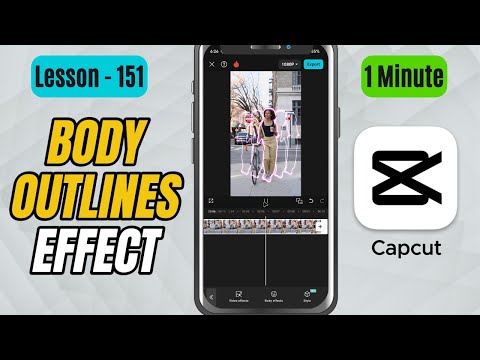
CapCut Mobile Tutorials - Zero to Hero Beginners Course - How to Add Body Outline Clones Effect in CapCut Mobile - Lesson 151 CapCut Tutorial
5.0(2)
15 learners
What you'll learn
This course includes
9.5 hours of video
Certificate of completion
Access on mobile and TV
Summary
Full Transcript
In this CapCut Mobile tutorial, you’ll learn how to create the Body Outline Clones Effect, which forms multiple glowing outlines around your subject. It gives a cool echo-style duplication—perfect for dance videos, action movements, stylized edits, or futuristic visuals.
We’ll apply the effect using Frame Scatter under Body Effects, and adjust Speed, Range, and Color to control how far the clones spread, how fast they animate, and how bold the outlines appear.
If you enjoy this tutorial, make sure to like, share, and subscribe for more high-quality CapCut mobile editing walkthroughs!
#capcut #capcuttutorial #capcutmobile
Continue this lesson in the app
Install CourseHive on Android or iOS to keep learning while you move.