
Summary
Full Transcript
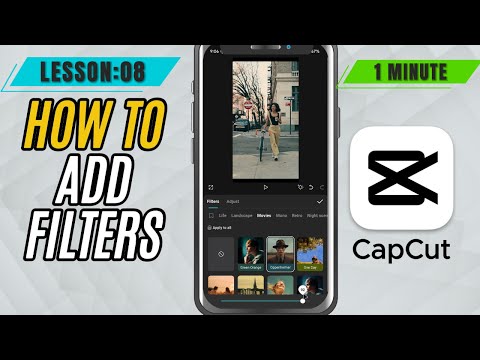
Filters can instantly transform the mood, style, and color tone of your video. Whether you’re aiming for a cinematic look, a vintage vibe, or just want to enhance your visuals with vibrant tones, CapCut Mobile has a wide range of built-in filters that make it super easy. In this tutorial, we’ll show you how to browse and apply filters to your clips, adjust the intensity for a natural feel, and combine filters with other edits to create a cohesive aesthetic across your video. Filters are perfect for social media content, vlogs, short films, and more—giving your edits a polished and professional touch without needing color grading skills. By the end of this tutorial, you’ll know how to: Access the filters library in CapCut Mobile Preview and apply the right filter style Control the intensity for a subtle or dramatic effect Apply filters to individual clips or entire sequences #capcut #capcutmobile#capcuttutorial

Continue this lesson in the app
Install CourseHive on Android or iOS to keep learning while you move.





