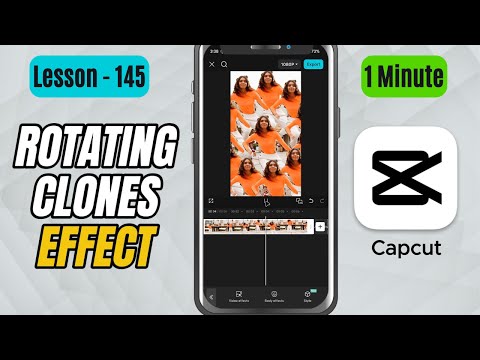
CapCut Mobile Tutorials - Zero to Hero Beginners Course - How to Create Rotating Clones Effect in CapCut Mobile - Lesson 145 CapCut Tutorial
5.0(2)
15 learners
What you'll learn
This course includes
9.5 hours of video
Certificate of completion
Access on mobile and TV
Summary
Full Transcript
In this tutorial, you’ll learn how to create the Ghost Trails Effect in CapCut Mobile using the Phantom effect. This effect duplicates your subject with faded trailing copies, giving a dreamy motion-ghost look.
We’ll apply the effect from the Body Effects menu and fine-tune it using Speed and Intensity controls. Perfect for dance shots, dreamy montages, motion edits, and spooky visuals.
Don’t forget to like, share, and subscribe for more CapCut Mobile tutorials!
#capcut #capcuttutorial #capcutmobile
Continue this lesson in the app
Install CourseHive on Android or iOS to keep learning while you move.