
Summary
Full Transcript
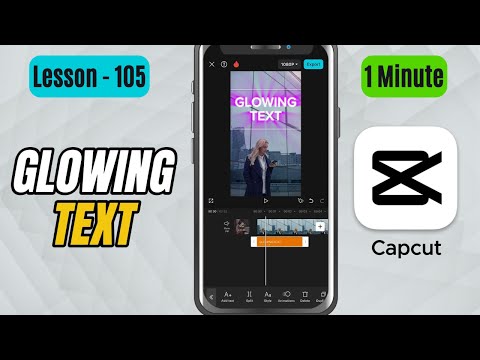
In this tutorial, you’ll learn how to add glowing text in CapCut Mobile to make your titles pop with a bright, eye-catching effect. The glow effect is perfect for music videos, intros, or any creative edit that needs a vibrant touch. You’ll see how to adjust the color and glow intensity to get that perfect look for your video. Steps to Apply the Effect: Open CapCut Mobile and import your video onto the timeline. Tap on Text at the bottom toolbar and choose Add text. Type in your desired text and position it where you want on the screen. Now tap on the Styles tab in the text editing menu. Scroll through the options and find the Glow section. You’ll see different types of glow effects available—tap on one you like. Choose the color of your glow to match your video’s theme or background. Use the Intensity slider to increase or decrease the strength of the glow. Play the video to preview how your glowing text looks. Adjust the position, font, or animation if needed to enhance the final look. #capcut #capcuttutorial #capcutmobile

Continue this lesson in the app
Install CourseHive on Android or iOS to keep learning while you move.





