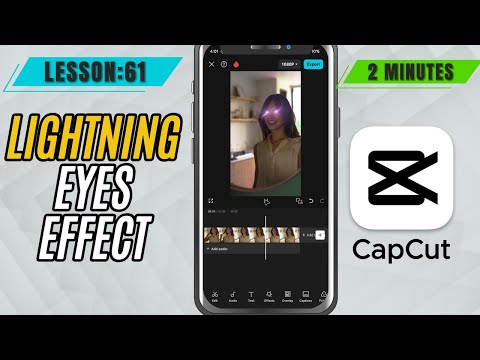
CapCut Mobile Tutorials - Zero to Hero Beginners Course - How to Add Lightning Eyes in CapCut Mobile - Lesson 61 CapCut Mobile Tutorial
5.0(2)
15 learners
What you'll learn
This course includes
9.5 hours of video
Certificate of completion
Access on mobile and TV
Summary
Full Transcript
Ready to supercharge your edits? In this CapCut Mobile tutorial, we’ll show you how to apply the Lightning Eyes effect to bring an electrifying, supernatural vibe to your video. This effect is perfect for superhero transformations, intense stare-downs, or just adding some serious flair. What’s great is you can fine-tune the look with built-in controls like Color, Glow, Filter, Intensity, and Range—allowing for total customization. Whether you want subtle sparks or a full-on electric blast, CapCut makes it easy to nail the look in just a few taps!
#capcut #capcutmobile #capcuttutorial
Continue this lesson in the app
Install CourseHive on Android or iOS to keep learning while you move.