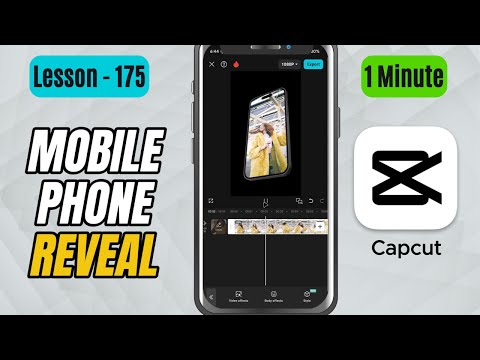
CapCut Mobile Tutorials - Zero to Hero Beginners Course - How to Create a Mobile Phone Reveal Effect in CapCut Mobile - Lesson 175 CapCut Tutorial
5.0(2)
15 learners
What you'll learn
This course includes
9.5 hours of video
Certificate of completion
Access on mobile and TV
Summary
Full Transcript
In this CapCut Mobile tutorial, you’ll learn how to make a sleek Mobile Phone Reveal Effect using the Phone Drift video effect.
This effect creates a smooth phone-style animation that slides in with glow accents—perfect for tech promos, app showcases, product reveals, gadget unboxing videos, or stylish transitions.
We’ll apply the effect directly onto the clip and adjust Speed and Glow to fine-tune the look.
Whether you want a quick flashy reveal or a slower elegant intro, this effect helps you achieve a clean professional result instantly.
Don’t forget to like, share, and subscribe for more detailed CapCut Mobile tutorials!
#capcut #capcuttutorial #capcutmobile
Continue this lesson in the app
Install CourseHive on Android or iOS to keep learning while you move.