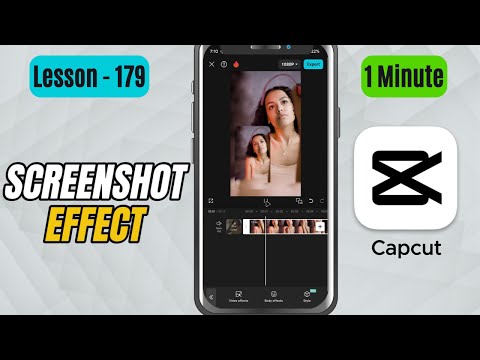
CapCut Mobile Tutorials - Zero to Hero Beginners Course - How to Add Screenshot Effect in CapCut Mobile - Lesson 179 CapCut Tutorial
5.0(2)
15 learners
What you'll learn
This course includes
9.5 hours of video
Certificate of completion
Access on mobile and TV
Summary
Full Transcript
In this CapCut Mobile tutorial, you’ll learn how to apply the Screenshot Effect, which makes your video appear as if it’s being captured frame-by-frame — just like a real phone taking a screenshot.
This effect is great for tech edits, UI demos, app showcases, chat stories, and modern social media-style visuals.
We’ll apply the effect directly to the clip and adjust the Speed slider to control how fast the screenshot animation happens.
This simple effect instantly gives your video a crisp, techy feel.
Don’t forget to like, share, and subscribe for more detailed CapCut Mobile tutorials!
#capcut #capcuttutorial #capcutmobile
Continue this lesson in the app
Install CourseHive on Android or iOS to keep learning while you move.