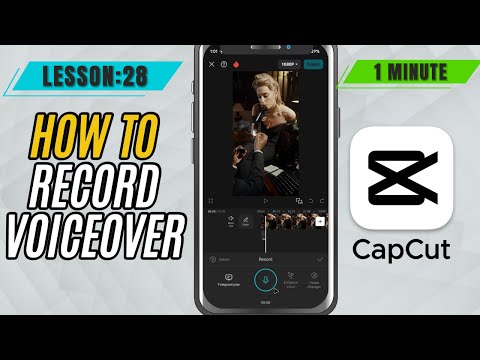
CapCut Mobile Tutorials - Zero to Hero Beginners Course - How to Record and Add Voiceover in CapCut Mobile - Lesson 28 CapCut Tutorial
5.0(2)
15 learners
What you'll learn
This course includes
9.5 hours of video
Certificate of completion
Access on mobile and TV
Summary
Full Transcript
Looking to add your own voice to your video in CapCut Mobile? Whether you're making a vlog, tutorial, or a fun reel, voiceovers can bring your content to life. In this tutorial, we’ll walk you through how to record and add voiceovers directly inside CapCut Mobile using its built-in recording feature.
You’ll learn how to:
Access the voiceover tool
Record with a countdown timer
Stop and position your voice clip
Trim and adjust the audio for a clean finish
No external apps or tools required—just your phone and your voice! Perfect for quick narration or commentary, even on the go.
#capcutmobile #capcut #capcuttutorial
Continue this lesson in the app
Install CourseHive on Android or iOS to keep learning while you move.