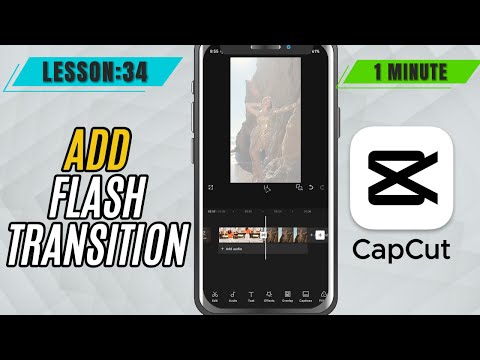
CapCut Mobile Tutorials - Zero to Hero Beginners Course - How to Add Flash Transition in CapCut Mobile - Lesson 34 CapCut Mobile Tutorial
5.0(2)
15 learners
What you'll learn
This course includes
9.5 hours of video
Certificate of completion
Access on mobile and TV
Summary
Full Transcript
Want to create that eye-catching white flash between two clips? CapCut Mobile comes with a built-in White Flash transition that makes it super easy to add quick, energetic scene changes. Perfect for fast cuts in music videos, reels, or action edits, this transition adds a powerful visual impact without needing any overlays or effects. In this quick tutorial, you’ll learn exactly how to apply the White Flash transition in just a few taps.
#capcut #capcutmobile #capcuttutorial
Continue this lesson in the app
Install CourseHive on Android or iOS to keep learning while you move.