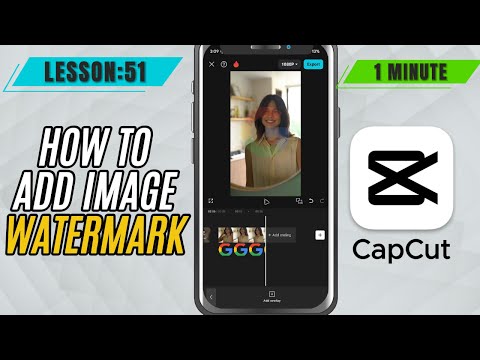
CapCut Mobile Tutorials - Zero to Hero Beginners Course - How to Add Image Watermark in CapCut Mobile - Lesson 51 CapCut Tutorial
5.0(2)
15 learners
What you'll learn
This course includes
9.5 hours of video
Certificate of completion
Access on mobile and TV
Summary
Full Transcript
Want to protect your videos with a professional touch? Adding an image watermark—like your logo—in CapCut Mobile is an easy way to brand your content and prevent misuse. In this quick tutorial, you'll learn how to import your watermark, position it perfectly, and adjust its opacity for a clean, subtle look. Whether you're posting on YouTube, Instagram, or any platform, this technique helps keep your video content uniquely yours.
#capcut #capcutmobile #capcuttutorial
Continue this lesson in the app
Install CourseHive on Android or iOS to keep learning while you move.