
Summary
Full Transcript
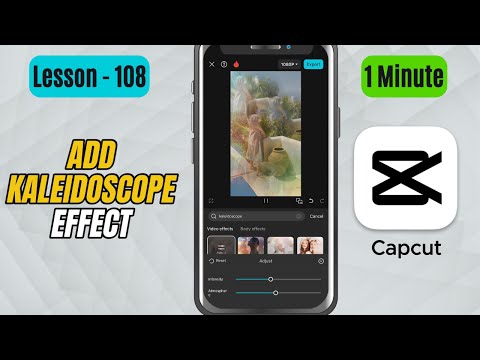
In this CapCut Mobile tutorial, you’ll learn how to apply the Kaleidoscope effect to your videos — creating stunning mirror reflections and trippy visuals that look perfect for music videos, intros, or creative edits. You can easily adjust the intensity and atmosphere sliders to control how strong or dreamy the effect appears on your clip. Steps to Apply the Effect: Open CapCut Mobile and import your video onto the timeline. Tap on the clip to select it. From the bottom toolbar, tap on Effects. Go to Video Effects. Use the search bar and type Kaleidoscope. You’ll see multiple Kaleidoscope variations — choose the one you like and tap to apply it. Once applied, you’ll notice your video now has a symmetrical mirror-style pattern. Tap on the effect in the timeline to fine-tune it. Use the Intensity slider to adjust how strong or complex the reflections appear. Use the Atmosphere slider to control the overall mood or smoothness of the effect — higher values make it feel more dreamy or abstract. Play the video to preview the final look and make adjustments if needed. #capcut #capcuttutorial #capcutmobile

Continue this lesson in the app
Install CourseHive on Android or iOS to keep learning while you move.





