
Summary
Keywords
Full Transcript
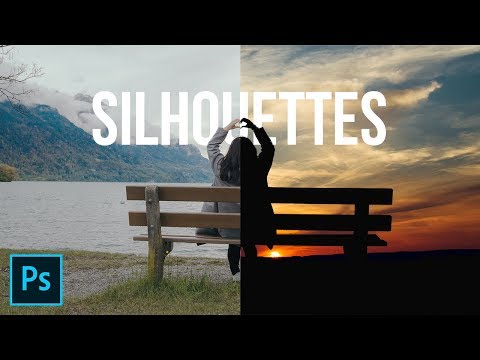
Learn how to Simulate the Silhouette Effect in Photoshop! 2 Ways to Make Silhouettes Using the Concept of Blend-If, Blend Modes, and Masking. In this tutorial, we will learn how to use the brightness level information to quickly create masks for silhouettes and change the background and also, we'll learn how to make difficult selections using Select and Mask. I hope this tutorial helps. Thank you for watching :) ► DOWNLOADS: 1. Sample Images: http://piximp.com/4ADK 2. Finished PSD: http://piximp.com/4ADM (Only for our Patreon Family) ► HELP US CREATE MORE FREE VIDEOS: Support us at Patreon: https://www.patreon.com/piximperfect ► SHARE: https://goo.gl/IUhnUl ►LET'S CONNECT: Facebook: http://facebook.com/piximperfect Twitter: https://twitter.com/piximperfect Instagram: https://www.instagram.com/piximperfect Google+: https://plus.google.com/+UnmeshDinda

Continue this lesson in the app
Install CourseHive on Android or iOS to keep learning while you move.





