
Summary
Keywords
Full Transcript
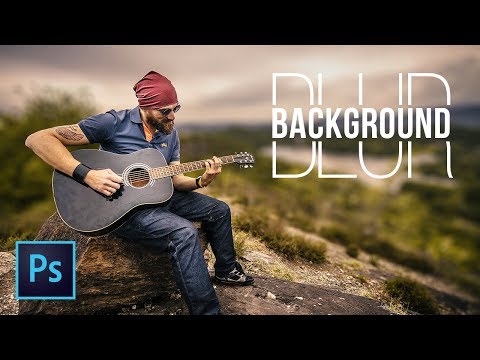
Exploring the Amazing Power of Depth Maps to Create Highly Realistic Background Blur in Photoshop! Learn how to create a fake shallow depth of field without expensive lenses and get the background out of focus. In this tutorial, we will use selections, masks, depth maps, and lens blur to mimic the characteristics of a fast lens with a narrow depth of field, focussing on the subject. Also, in this video, we will not only use but also understand the concept of Depth Maps and how the Lens Blur filter works in Photoshop. Hope this video helps you! ► DOWNLOADS: 1. Sample Image: https://goo.gl/Mo7tWZ 2. Finished PSD: https://goo.gl/ZsPKa4 (Only for our Patreon Family) PiXimperfect is free, and will always be. ► SUPPORT the cause: https://www.patreon.com/piximperfect ► SHARE: https://goo.gl/IUhnUl ►LET'S CONNECT: Facebook: http://facebook.com/piximperfect Twitter: https://twitter.com/piximperfect Instagram: https://www.instagram.com/piximperfect Google+: https://plus.google.com/+UnmeshDinda

Continue this lesson in the app
Install CourseHive on Android or iOS to keep learning while you move.





