
Summary
Keywords
Full Transcript
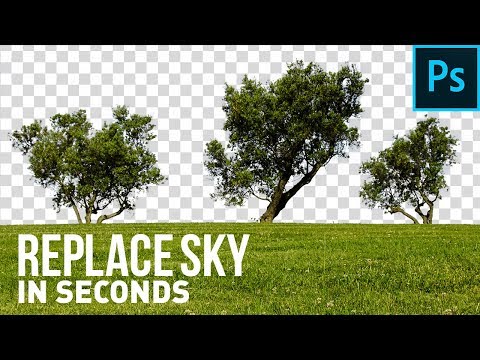
Remove or Replace Blue Skies Using this Quick Trick in Photoshop! Learn how to combine Channels with Blend-If to remove the blues from the bright skies, thus making it transparent. Then, we will learn how to refine the edges and the selection as a whole. In this tutorial, I have two examples for you to follow along and develop a better understanding of Layer Styles or Blending Options, and how to take advantage of the same to target the skies. I hope this tutorial helps you. Thank you for watching :) ► DOWNLOADS: 1. Sample Images:https://drive.google.com/open?id=14azia2vPmLje6oM5LlnkR5hb3-QkoRXb 2. Finished PSD: http://piximp.com/4ABT (Only for our Patreon Family) ► HELP US CREATE MORE FREE VIDEOS: Support us at Patreon: https://www.patreon.com/piximperfect ► SHARE: https://goo.gl/IUhnUl ►LET'S CONNECT: Facebook: http://facebook.com/piximperfect Twitter: https://twitter.com/piximperfect Instagram: https://www.instagram.com/piximperfect Google+: https://plus.google.com/+UnmeshDinda

Continue this lesson in the app
Install CourseHive on Android or iOS to keep learning while you move.




