Summary
Keywords
Full Transcript
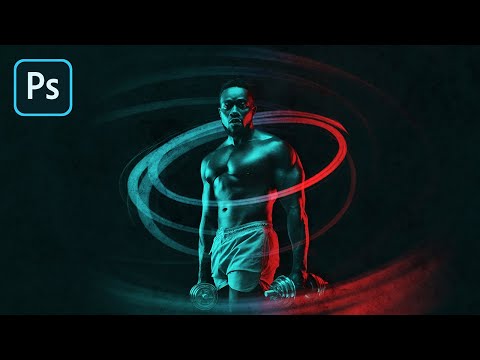
A Super Simple Technique to Create the Dual Color Lighting Effect in Photoshop! Using the power of Gradient Maps, in this tutorial, we will color multiple lights from different directions. We will also learn how to utilize the "Blend If" feature to make the light more realistic. In the end, optionally, we discover techniques to add and modify interesting light elements to our image. I hope this video helps you. Thank you so much for watching :) ► DOWNLOADS: 1. Sample Images: https://app.photoshopeasy.com/dual-lighting 2. Finished PSD: https://bit.ly/2XZlTU6 (Only for our Patreon Family) ► HELP US CREATE MORE FREE VIDEOS: Support us at Patreon: https://www.patreon.com/piximperfect ► SHARE: https://goo.gl/IUhnUl ►LET'S CONNECT: Facebook: http://facebook.com/piximperfect Twitter: https://twitter.com/piximperfect Instagram: https://www.instagram.com/piximperfect

Continue this lesson in the app
Install CourseHive on Android or iOS to keep learning while you move.