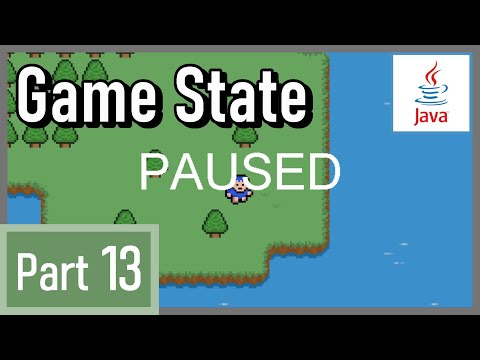
This is the beginning of the second half.
In this video, we implement a game state and pause screen.
Guidelines for using Blue Boy Adventure's code and assets:
https://docs.google.com/document/d/1qcafOofpXYd_QPr95qbgfb1GYxXKgSZb/
Timestamps:
0:00 Introduction
0:33 The roadmap of the second half
2:55 Create game state
4:31 Set default game state
5:49 Handle game state in update method
6:38 Shorcut key to pause the game
8:14 House-keeping 1
8:58 Work on UI class
11:27 Draw pause screen
14:28 House-keeping 2
16:04 Final result
#java #javagametutorial #javatopdowngame
Continue this lesson in the app
Install CourseHive on Android or iOS to keep learning while you move.
FAQs
We curate free YouTube courses, organized by category and language — and make it easy for you to track your learning progress.
Yes. Free courses are embedded YouTube videos.
Currently available in English — with Portuguese, Spanish, French, German, and Italian coming soon.
Check ratings, reviews, duration, and description.
All courses include a certificate of participation.
Yes, an account lets you track progress, earn certificates, and save favorites.
We auto-save your watch position so you can resume on any device.