► Join PiXimperfect Pro - The Ultimate Photoshop Training Course: https://pix.live/pro
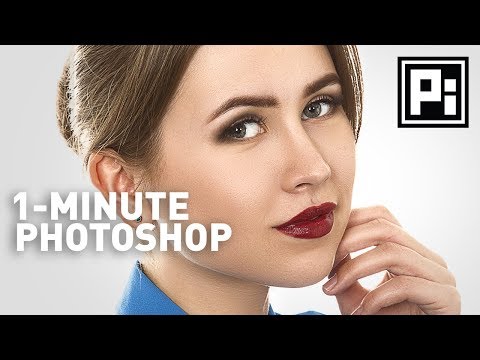
Get a Smooth Skin in Photoshop with Beautiful Skin Texture in Just One Minute! Learn how to use blend mode and masks to soften the skin in Photoshop without losing texture.
Hope this video helps you. Thanks for watching!
► DOWNLOADS:
Sample Image: https://goo.gl/LuQLTa
► SHARE: https://goo.gl/IUhnUl
►LET'S CONNECT:
Facebook: http://facebook.com/piximperfect
Twitter: https://twitter.com/piximperfect
Instagram: https://www.instagram.com/piximperfect
Google+: https://plus.google.com/+UnmeshDinda
Continue this lesson in the app
Install CourseHive on Android or iOS to keep learning while you move.