
Summary
Keywords
Full Transcript
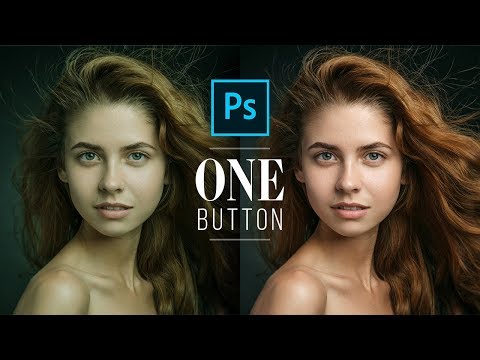
► Join PiXimperfect Pro - The Ultimate Photoshop Training Course: https://pix.live/pro A Powerful Trick to Get the Perfect Skin Tones with Just One Button in Photoshop! Using advanced sampling, learn how to use the Curves Adjustment Layer to create custom samples, and apply them to the skin. Hope this tutorial helps. Thank you so much for watching :) ► DOWNLOADS: 1. Sample Image: http://bit.ly/2WQIFwf 2. Finished PSD: http://bit.ly/2Gxd1hl (Only for our Patreon Family) 3. Skin Color Palette: http://bit.ly/pixskincolor ► SHARE: https://goo.gl/IUhnUl ►LET'S CONNECT: Facebook: http://facebook.com/piximperfect Twitter: https://twitter.com/piximperfect Instagram: https://www.instagram.com/piximperfect Google+: https://plus.google.com/+UnmeshDinda

Continue this lesson in the app
Install CourseHive on Android or iOS to keep learning while you move.




