
Summary
Full Transcript
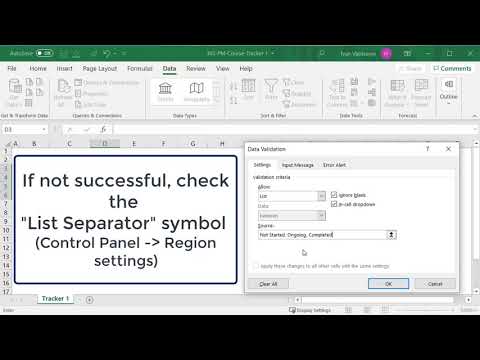
Project Management Course - Beginner to Project Manager Excel Project Tracker Tutorial: Build a High-Level Status Dashboard for Project Management In this lesson, we built a simple yet powerful high-level tracker in Excel to monitor progress across multiple categories, such as countries and responsible teams. You learned how to structure a clean table, use dropdown lists for standardized status tracking, and apply conditional formatting to visually represent progress. We also improved readability through formatting techniques like borders, alignment, and styling. This kind of tracker helps you maintain clear visibility on project activities, ensures accountability across teams, and makes status updates easy to understand during meetings. In the next lesson, we’ll continue expanding our tracking tools to manage more complex project information.

Continue this lesson in the app
Install CourseHive on Android or iOS to keep learning while you move.




