
Summary
Full Transcript
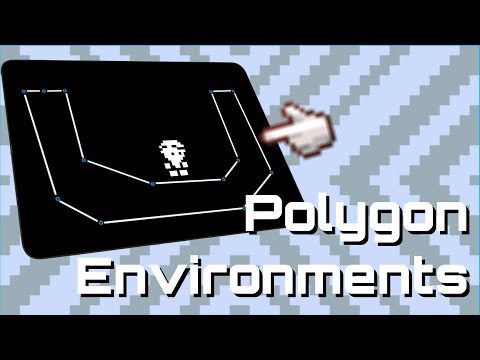
Build quick, flexible environments for testing and prototyping using polygon collisions in Xogot - the iPad and iPhone version of the Godot Engine. In this short tutorial, community creator Jhelson Gonzalez (Jhello) shows how to use CollisionPolygon2D and Polygon2D together to rapidly block out test levels and environments. This approach is ideal for early prototyping, iteration, and gameplay testing directly on iPad. You’ll learn how to: - Create environment collisions using CollisionPolygon2D - Visualize collision shapes with Polygon2D - Sync collision and visual polygons for rapid iteration - Quickly prototype test environments without finalized art This video builds on the platformer character controller from Build Smooth & Customizable Platformer Movement in Xogot - Godot on iPad: https://youtu.be/zD1OCqYQ9GE Platformer Movement video Sample Project: GitHub: https://github.com/xogot-projects/Xogot-Platformer-Movement Direct Download: https://github.com/xogot-projects/Xogot-Platformer-Movement/archive/refs/heads/main.zip Join the Xogot Community: https://discord.gg/TDEcyfHZAh #Xogot #Godot #GameDev #iPadDev #Platformer #Prototyping #Tutorial

Continue this lesson in the app
Install CourseHive on Android or iOS to keep learning while you move.




