Course Hive
Search

Welcome

Sign in or create your account

Continue with Google
or
Install Genesis on Windows Using WSL - Link Given below
Play lesson

ROS2 Tutorials - Install Genesis on Windows Using WSL - Link Given below

5.0 (0)
9 learners

What you'll learn

Content missing – cannot generate learning outcomes

This course includes

  • 47.5 hours of video
  • Certificate of completion
  • Access on mobile and TV

Summary

Full Transcript

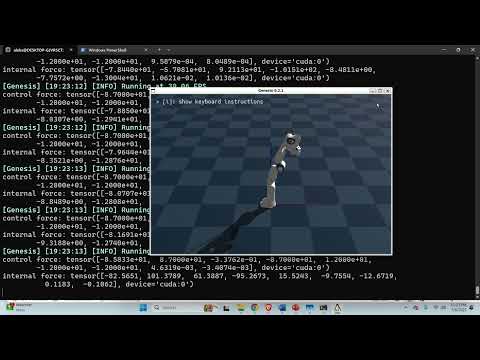
#genesis #wsl #robotics #mechatronics In this tutorial, we explain how to correctly install Genesis robotics simulation environment on Windows by using Windows Subsystem for Linux (WSL). We explain how to install NVIDIA CUDA compilers and PyTorch with CUDA support on WSL. Then, we explain how to install Genesis on WSL with CUDA GPU support. The complete tutorial is given here: https://www.youtube.com/watch?v=iEE3HqHF34o

Course Hive

Continue this lesson in the app

Install CourseHive on Android or iOS to keep learning while you move.

Related Courses

FAQs

Course Hive
Download CourseHive
Keep learning anywhere