
Summary
Keywords
Full Transcript
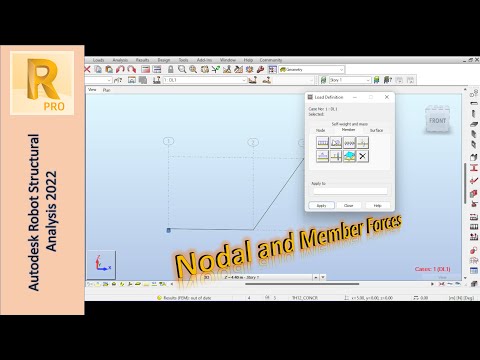
In this video, we'll explore the basics of nodal and linear loads in Autodesk Robot. We'll cover the fundamentals of creating a structural model in Autodesk Robot, including how to define the properties of the structure and how to apply loads and boundary conditions. We'll provide an overview of nodal and linear loads and how they differ from each other. We'll cover the basics of defining nodal loads, including how to specify the load magnitude and direction, and how to apply the load to the different nodes of the structure. We'll also cover the basics of defining linear loads, including how to specify the load magnitude and direction, and how to apply the load to the different sections of the structure. Finally, we'll discuss the importance of interpreting the results of the analysis and how they can be used to improve the design of the structure. We'll provide practical tips and guidelines for designing structures using nodal and linear loads in Autodesk Robot. Whether you're a student, a practicing engineer, or simply interested in the behavior of structures, this video will provide you with valuable insights into understanding nodal and linear loads in Autodesk Robot. Timestamps: 0:00 Introduction 0:31 Modeling a Dummy Beam 2:03 Nodal Forces 2:53 Deleting Nodal Forces 4:53 More Details about Nodal Forces 6:10 Out of Date Results 7:33 Imposed Displacements 9:13 Force on Point 10:32 Local Axis 11:04 Member Uniform Force 13:35 Member Trapezoidal Force 15:29 Member Uniform Moment 16:09 Member Bar Force 16:46 Other Member Loads 17:43 Outro

Continue this lesson in the app
Install CourseHive on Android or iOS to keep learning while you move.




