
Summary
Keywords
Full Transcript
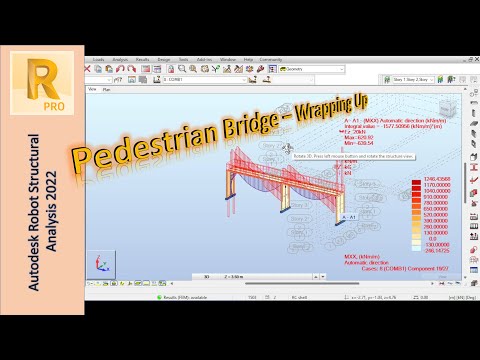
Welcome to the final part of our series on modeling pedestrian bridges using Autodesk Robot! In this video, we'll be wrapping up our series and sharing our final thoughts on the design of these structures. Whether you're an engineer, architect, or simply interested in the design process, we hope you've found our insights valuable. In this video, we'll be summarizing the key points from our previous videos and discussing how they all come together to create a safe and efficient pedestrian bridge. So sit back, relax, and join us as we wrap up our series on modeling pedestrian bridges using Autodesk Robot. We're excited to share our knowledge with you and help you gain a deeper understanding of the design process for these important structures. Whether you're a seasoned professional or just starting out, we hope you'll find our insights valuable and informative. Current Video Ideas for the Future: - More details about modal participation / report? - Masses and stiffnesses to control modes - LL Reduction in ACI/ASCE (vertical and horizontal) - A possible way to model columns with pressure areas - Deeper dive into slab reinforcement. - Raft with larger thickness and positions - Robot - seemingly - erratic deformation when supported by beams and columns - A way to manually “clean-up” simple mesh like the above - Complex and Principle results - Simple TBM tunnel lining analysis in robot Timestamps: 0:00 Introduction 0:18 Lateral Bracing 5:59 Load Preparation 8:11 Double Checking Analysis 9:16 Releasing and Finishing The Model 12:20 Some thoughts on the Model 18:52 Applying Loads 30:33 Outro

Continue this lesson in the app
Install CourseHive on Android or iOS to keep learning while you move.




