
Summary
Keywords
Full Transcript
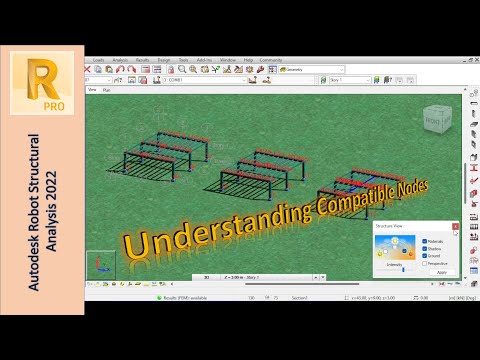
Description: In this video, we are going to discuss compatible nodes in Autodesk Robot, trying to understand what such nodes mean as well as the Finite Element Intricacies behind such nodes. Current Video Ideas for the Future: - Raft Simplified - Raft with larger thickness and positions - Robot - seemingly - erratic deformation when supported by beams and columns - EQ on Retaining Walls - Wind according to ASCE - Wood and Armer Moments in Slabs and their meaning - Reaponse spectrum analysis - Simple TBM tunnel lining analysis in robot Timestamps: 0:00 Introduction 0:59 Modeling and discussion 9:30 Showing Results for single bars 10:43 Some practical considerations 12:39 Copying the structure 13:01 Overview of all Models 15:44 What are Comp. Nodes? 16:15 Defining Comp. Nodes 17:50 Applying Comp. Nodes 20:12 First Try, all Connected 21:19 Second Try, disconnecting Uz 24:34 Trying to model it ourselves 31:12 It worked!! 32:24 Easteregg: My own FEM Software 33:32 Outro

Continue this lesson in the app
Install CourseHive on Android or iOS to keep learning while you move.




