
Summary
Keywords
Full Transcript
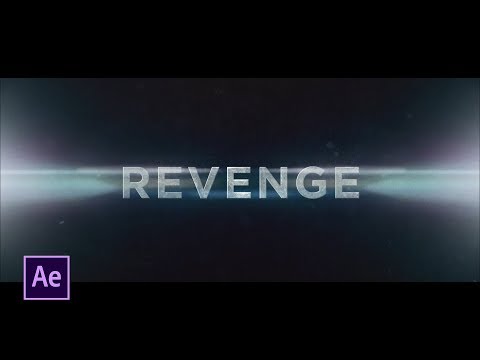
PremiumBeat: http://bit.ly/2T89vxN - In this After Effects tutorial, learn how to create professional movie trailer titles. We will cover several essential techniques: creating textured titles, adding stock elements like lens flares and particles, adding movement shake, and plenty more! ►Check out CinePunch and many other great After Effects templates here: http://bit.ly/2kSe96R ► CinePunch: http://bit.ly/2lgu6UR ► Music From PremiumBeat, get your soundtracks here: http://bit.ly/2T89vxN ► Free Stock Assets: - Particles: http://bit.ly/2KPomNb - Volumetric Light Elements: http://bit.ly/2NLVhQL - Fog Elements: http://bit.ly/2KOp6lL - Light Leaks: http://bit.ly/2TOxFBC - Lens Flares: http://bit.ly/2TRFMfW ► Free Grunge Texture used: http://bit.ly/2lgBFec ► Social Media: Discord: https://discord.gg/xj5XFnU Hit me up on Instagram: http://instagram.com/sonduckfilm Drop a like on Facebook: https://www.facebook.com/sonduckfilm Follow me on Twitter: https://twitter.com/SonduckFilm Connect with me on Linkedin: https://www.linkedin.com/in/joshnoel ► Visit our website https://www.sonduckfilm.com for more tutorials, giveaways and film and photo gear! #Premiumbeat #AfterEffects #MotionGraphics

Continue this lesson in the app
Install CourseHive on Android or iOS to keep learning while you move.




![SEO Course [2026 Updated]](https://i.ytimg.com/vi/HeeUHugrG5U/hqdefault.jpg)
