
Summary
Keywords
Full Transcript
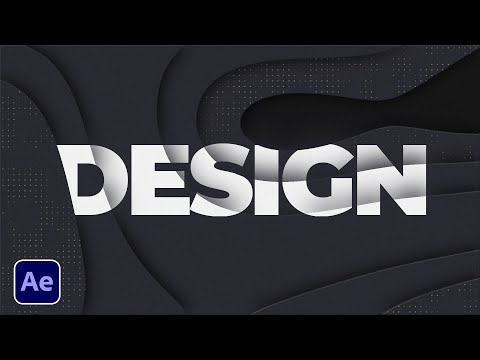
300+ Editor's Motion Pack: https://bit.ly/300EditorsPack - This After Effects tutorial is all about cut your motion graphics into your background. Also, you'll be able to change your entire motion graphics project with one effect. Get ready to create awesome motion graphics in After Effects. ► Check out the 300+ Motion Graphics Advanced Pack: https://bit.ly/300EditorsPack Over 300+ elements for After Effects from titles, backgrounds, motion graphics, promos, effects, and transitions! Save time on every project and produce professional work! Download Free Template Packs from us for AE & Premiere here: ► 50+ New After Effects Free Pack: https://bit.ly/Free50AfterEffectsPack ► 50 Template Premiere Pro Free Pack: https://bit.ly/Free50PremiereProPack ► 42 Template After Effects Free Pack: https://bit.ly/FreeAE42Pack ► Here's some of our full Packs: 750 Premiere & AE Pack: https://bit.ly/750GFXPack 150+ Pulse Pack: https://bit.ly/DarkPulsePack 100 Visual Elements Pack: https://bit.ly/100VisualPack1 100 Logo Pack: http://bit.ly/100ExpertsLogoPack 650 Motion Graphics Starter Pack: http://bit.ly/2SL9Qdm 100 Title Pack: https://bit.ly/100TitlePack 200 Accent Graphics Pack: https://bit.ly/2yRH5mu 200 Animated Backgrounds: https://bit.ly/AnimatedBackgrounds 10 in 1 Bundle:https://bit.ly/10PACKBUNDLE ► Down This Tutorial's Project File & Follow Along: https://www.sonduckfilm.com/tutorials/motion-graphics-splice/ ► Follow Us For More Tutorials Here on Instagram: http://instagram.com/sonduckfilm #SonduckFilm #AfterEffects #MotionGraphics Timecode: 0:00 What this tutorial is about! 0:18 Create Multiple Motion Graphics 0:36 Step 1 - Create Background Map 3:25 Step 2 - Expand Background 4:30 Over 300 Templates For AE and Premiere Pro 5:00 Step 3 - Dot Design 6:40 Step 4 - Title Cuts 8:20 Outro - Please Subscribe for More! ► Follow us on Instagram for AE Content: http://instagram.com/sonduckfilm ► Check out the 300+ Editor's Motion Pack: https://bit.ly/300EditorsPack ► Download Free AE Template Pack:https://bit.ly/Free50AfterEffectsPack

Continue this lesson in the app
Install CourseHive on Android or iOS to keep learning while you move.




![SEO Course [2026 Updated]](https://i.ytimg.com/vi/HeeUHugrG5U/hqdefault.jpg)
