
Summary
Keywords
Full Transcript
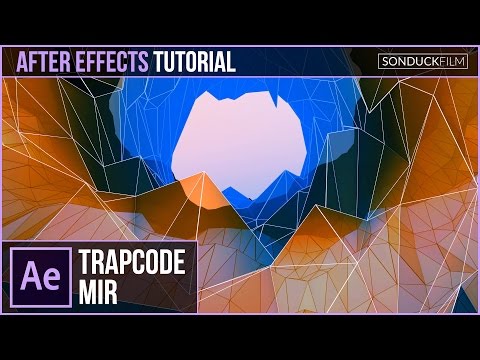
Trapcode Mir is a plugin from Red Giant that is focused on creating abstract objects using 3D geometry. In this After Effects Tutorial, we will use Trapcode Mir to create a low poly 3D tunnel. Creating low poly 3D objects in the past required 3D software like Cinema 4D or Max. Trapcode Mir allows After Effects users to quickly create low poly and high poly landscape or abstract objects without having to leave the software. Visit our website https://www.sonduckfilm.com for more tutorials, giveaways and film and photo gear! Download Project Files Here: http://www.sonduckfilm.com/tutorials/after-effects-low-poly-3d-objects-with-trapcode-mir/ Social Media: Support us on Patreon: https://www.patreon.com/sonduckfilm Drop a like on Facebook: https://www.facebook.com/sonduckfilm Hit me up on Instagram: http://instagram.com/sonduckfilm Follow me on Twitter: https://twitter.com/SonduckFilm Connect with me on Linkedin: https://www.linkedin.com/in/joshnoel Suggested After Effects Tutorials: Particle Christmas Tree: https://youtu.be/H2WVNvOK68o Create Fireworks: https://youtu.be/hrchdAn_o_Q How I made my Youtube Intro: https://youtu.be/DN8oUBrsFzI Cartoon Explosion to Smoke Effects: https://youtu.be/tLl1rrvYmnE 3D Light Text Stroke Effect: https://youtu.be/r4hYFOcRwoY

Continue this lesson in the app
Install CourseHive on Android or iOS to keep learning while you move.




![SEO Course [2026 Updated]](https://i.ytimg.com/vi/HeeUHugrG5U/hqdefault.jpg)
