
Summary
Keywords
Full Transcript
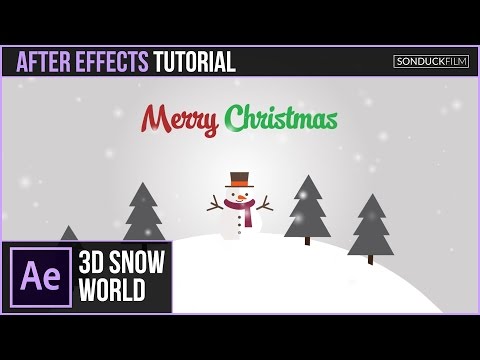
In this After Effects Tutorial, create a awesome christmas animation! We’re seeing christmas advertisements everywhere now, so let’s jump into creating holiday animations with After Effects. In our first AE christmas edition tutorial series, we will design and animate a 3D snow world motion graphic using built-in effects and jumping over to Adobe Illustrator to design our vectors. Visit our website https://www.sonduckfilm.com for more tutorials, giveaways and film and photo gear! Download Project Files Here: http://www.sonduckfilm.com/tutorials/after-effects-3d-snow-world-animation/ Social Media: Support us on Patreon: https://www.patreon.com/sonduckfilm Drop a like on Facebook: https://www.facebook.com/sonduckfilm Hit me up on Instagram: http://instagram.com/sonduckfilm Follow me on Twitter: https://twitter.com/SonduckFilm Connect with me on Linkedin: https://www.linkedin.com/in/joshnoel Suggested After Effects Tutorials: 80’s Intro Advanced: https://youtu.be/uGxruFKgt6U Particle Reveal Along a Path: https://youtu.be/81oz2rtAtYk Flip Text Chart: https://youtu.be/lO54j6So7dA Illustrator to After Effects Vectors: https://youtu.be/YGBRpCOtjNM Epic Freeze Frame Animation: https://youtu.be/E8DdN7vMnmE Vector FreePik.com: http://www.freepik.com/free-vector/set-of-four-christmas-characters-in-flat-design_982701.htm#term=christmas&page=2&position=27 http://www.freepik.com/free-vector/background-of-santa-claus-giving-gifts_957116.htm#term=christmas&page=4&position=24

Continue this lesson in the app
Install CourseHive on Android or iOS to keep learning while you move.




![SEO Course [2026 Updated]](https://i.ytimg.com/vi/HeeUHugrG5U/hqdefault.jpg)
