Summary
Keywords
Full Transcript
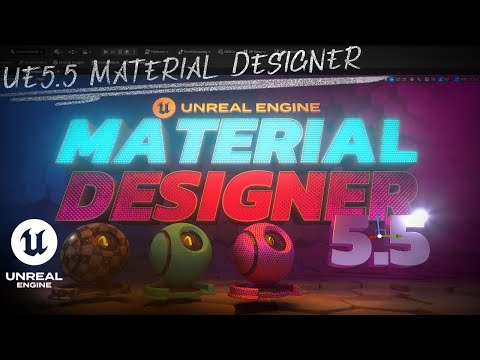
This video explains many of the key features and uses of the Material Designer in Unreal Engine 5.5's Motion Design plugin. The video demonstrates the features of the Material Designer with a focus on "Opaque" materials like metals, cloth and emissive lighting materials. Also shown and explained are the uses of channels, layers and animation, using downloaded PBR texture sets to create motion graphics materials, and much more. This video was created in response to a question posted my Discord server. If you're interested in joining the community there, here is the invite link: https://discord.gg/NkaJUHTxvN Hope this helps you create amazing materials for your motion graphics project in Unreal Engine! 0:00 Introduction 0:38 Free FAB Assets for Motion Graphics Materials 4:36 Finding the Unreal Shader Ball model 6:36 Launching the Material Designer 7:18 Emissive Material Example 9:34 Applying and adjusting a Texture 11:04 Adding a Color Layer 14:15 Creating a simple PBR Metal 17:30 Adding grunge to our metal 20:11 Using full PBR texture sets 24:17 Adding template enabled adjustments to PBR texture sets 26:04 Creating patterned, animated emissive materials 28:51 Adding a continuous animation 31:48 Creating a stylized "diamond plate" metal material 37:42 Saving and reusing materials for reuse

Continue this lesson in the app
Install CourseHive on Android or iOS to keep learning while you move.


![SEO Course [2026 Updated]](https://i.ytimg.com/vi/HeeUHugrG5U/hqdefault.jpg)