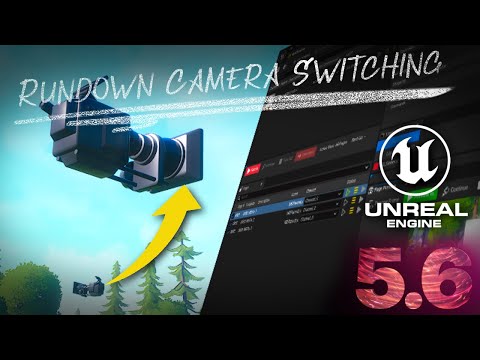
Unreal Engine 5 Motion Design - Rundown Camera Switching in Unreal Engine Motion Design
Unleash Your Creativity with Unreal Engine: Master Motion Design Techniques for Dynamic Sports and Beyond!
5.0(0)
15 learners
What you'll learn
Learn to create and animate motion graphics using Unreal Engine 5. Explore techniques for automating and managing data-driven motion design. Understand the application of dynamic materials and custom textures in Unreal Engine projects. Implement effective motion design and scene management with the latest Unreal Engine tools.
This video shows how to use the Camera Priority Motion Design Modifier in Unreal Engine's Motion Design toolset to switch between different cameras when using Rundown to create motion graphics for presentations and streaming.
Special thanks to Luke from the @fastchaostv channel for some offline conversations that resulted in this demo. :-)
Continue this lesson in the app
Install CourseHive on Android or iOS to keep learning while you move.




![SEO Course [2026 Updated]](https://i.ytimg.com/vi/HeeUHugrG5U/hqdefault.jpg)