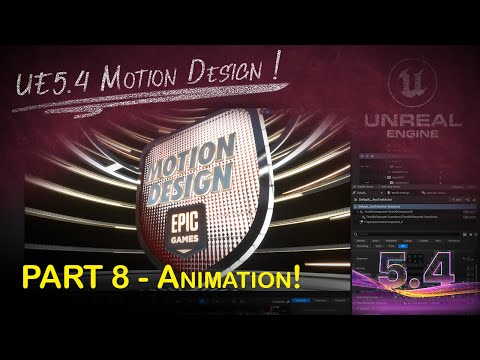
Unreal Engine 5 Motion Design - Animating Text and Logos with UE5.4 Motion Design Tools
Unleash Your Creativity with Unreal Engine: Master Motion Design Techniques for Dynamic Sports and Beyond!
5.0(0)
15 learners
What you'll learn
Learn to create and animate motion graphics using Unreal Engine 5. Explore techniques for automating and managing data-driven motion design. Understand the application of dynamic materials and custom textures in Unreal Engine projects. Implement effective motion design and scene management with the latest Unreal Engine tools.
This is the eighth video in a series focused on breaking down the steps used to build a motion graphics "opening logo" scene using Cloners, 3D Text, SVG objects and more using Unreal Engine 5.4
This final video focuses on animating everything that was built into the empty scene over the course of the previous videos. We'll animate Cloners, Effectors, 3D Text and a logo to get our final animation result.
Continue this lesson in the app
Install CourseHive on Android or iOS to keep learning while you move.