
Summary
Keywords
Full Transcript
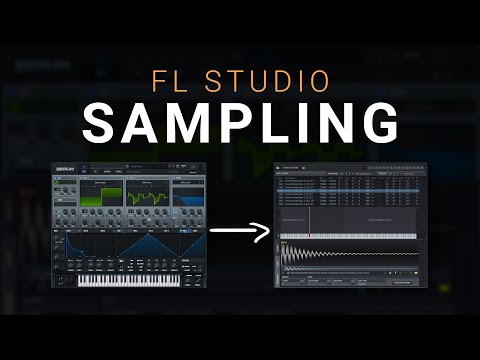
In this video I show you how to sample any virtual instrument plugin in FL Studio so you can save CPU, share your sounds with others who don't have your plugins and backup your projects safely. We will use the DirectWave sampler, a fantastic sampler that is built right into FL Studio. This technique requires no 3rd party plugins and will have you sampling in only a few clicks. I like to use this technique when I have committed to a sound, but I'm not sure exactly which melody I want as it really cuts down the CPU load. If you want to sample reverb plugins, I would recommend using this quick technique from one of my other videos: https://youtu.be/wfwT2AtIlt8 Follow my Instagram for giveaways this week: @michael.inthemix Tags: how to sample in FL Studio,how to,sample,fl studio,sampling,how to sample a plugin,how to sample a virtual instrument,direct wave,sampling a vst,sampling a plugin,fl studio tutorial,how to sample,fl studio sampling tutorial,how to sample an instrument,beat-making,Direct Wave,How to save a preset,fl studio plugin,best sampling plugin,sampling techniques,sampling tutorial,how to sample a sound,fl sampling,directwave tutorial,direct wave sampling

Continue this lesson in the app
Install CourseHive on Android or iOS to keep learning while you move.




