
Summary
Keywords
Full Transcript
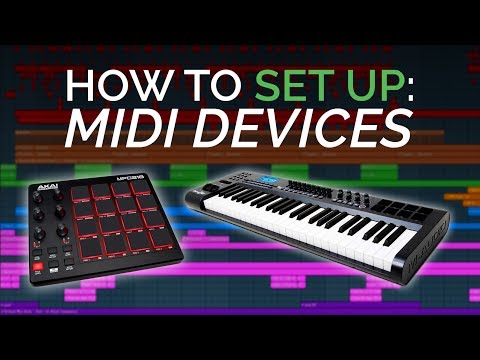
Today we are continuing the FL Studio 12 Basics series by showing beginners how to set up and use a midi controller in FL Studio 12. We also show how to use two or more midi controllers at the same time in your DAW. ►Time Stamps: 1:00 - How to set up one midi controller 3:05 - How to set up two midi controllers at the same time 5:45 - How to link the faders, dials, knobs and rotary encoders to effects and the mixer We demonstrate on : M Audio Axiom 49 2nd Gen Trigger Finger Pro Drum Pad Arturia Essentials 61 Arturia Minilab mk2 Some of the products are linked below The best thing about a midi controller is how much it adds to your workflow and how cheap they can be, with very little difference between cheap and expensive devices. You can use them to audition sounds, record midi, create a pattern, test our effects, record automation and more. The process is very simple and easy to follow but if at any point you are confused or it isn't working, simply drop a comment or question down below and we will be happy to help, as always. Michael

Continue this lesson in the app
Install CourseHive on Android or iOS to keep learning while you move.





