
Summary
Keywords
Full Transcript
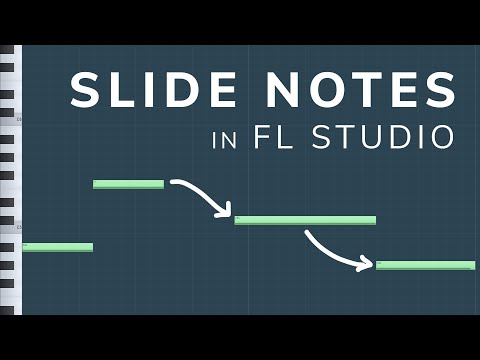
In this tutorial, I show 4 ways to slide notes in FL Studio 20. These work for sliding bass notes (808 glides, bass slides etc), sliding melodies and also pitch-shifting entire chords and songs. I think this is everything you need to know about sliding notes in FL Studio! ▶Time Stamps 0:00 - Intro 0:50 - Sliding Sound from plugins using the Pitch Bend parameter 6:35 - Sliding a sample using the MIDI Slide Note 9:40 - Sliding MIDI using the Slide Note in the Piano roll 10:40 - Sliding a Wav file using the Pitch Bend parameter 🌍 My Website / Contact / Hire me - https://michaelwynneaudio.com 🎧 Become a member of this channel: https://www.youtube.com/channel/UCIcCXe3iWo6lq-iWKV40Oug/join 🎧 Patreon (Exclusive benefits): https://www.patreon.com/inthemix 🎧 My Sound Banks / Preset Packs - https://inthemix.store 📱 Join My Free Discord - https://discord.com/invite/inthemix 💸 Save money on DistroKid if you sign up through my custom link - http://distrokid.com/vip/inthemix ▶My Equipment Headphones: Beyerdynamic DT 1990 Pro (I exclusively use Beyerdynamic and recommend the whole DT Pro Range - Made in Germany)

Continue this lesson in the app
Install CourseHive on Android or iOS to keep learning while you move.




