Summary
Keywords
Full Transcript
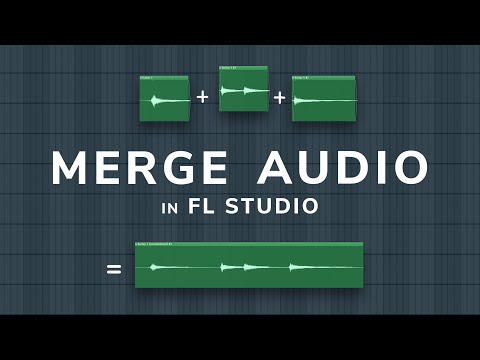
In this video, I show you how to combine or join audio clips in FL Studio to help clean up your project and select your favourite recordings. I also show you how to add crossfades and a few other audio shortcuts and tips. I am also preparing a new remix contest which will be starting in 2 weeks with many amazing prizes, make sure your notifications are on so you don't miss it :) ►Time Stamps 0:00 - Intro 0:20 - Prep 1:20 - Adding crossfades to audio 2:35 - Merging the clips (The technique) 3:35 - A faster method (Ctrl + Alt + C) 4:25 - Merging with effects ON (Last technique) 6:10 - Consolidating MIDI into Audio 6:40 - Announcing the REMIX contest starting in a few weeks! ►Shortcuts Used F9 = Open Mixer P = Pencil Tool C = Cut / Slice Tool T = Mute Tool Ctrl + Alt + C = fast consolidate 🌍 My Website / Contact / Hire me - https://michaelwynneaudio.com 🎧 Become a member of this channel: https://www.youtube.com/channel/UCIcCXe3iWo6lq-iWKV40Oug/join 🎧 Patreon (Exclusive benefits): https://www.patreon.com/inthemix 🎧 My Sound Banks / Preset Packs - https://inthemix.store 📱 Join My Free Discord - https://discord.com/invite/inthemix 💸 Save money on DistroKid if you sign up through my custom link - http://distrokid.com/vip/inthemix I am using Beyerdynamic DT 1990 Pros in this tutorial.

Continue this lesson in the app
Install CourseHive on Android or iOS to keep learning while you move.