
Summary
Full Transcript
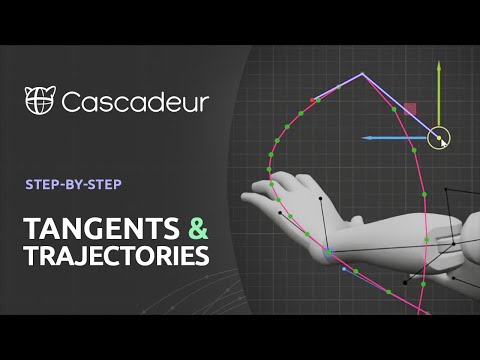
Cascadeur 2025.2 now supports Tangents to control the trajectories directly in the viewport. This video explains in detail how the trajectories tool works and how you can use tangents to get the most out of it 00:00 Introduction 00:14 How to track the trajectory 00:42 Display modes of the trajectories 01:05 Fixing trajectories 01:36 Adding new points 01:54 Hiding trajectories 02:10 Fixing frames Interval 02:43 Editing trajectories 03:05 How to use scale with trajectories 04:36 Tangents 05:07 Marks on a timeline 05:26 How to cancel tangents 05:34 Link tangents 05:57 Tangents on FK intervals 06:27 Different types of points Learn more about Cascadeur license plans: https://cascadeur.com/plans Learn how to start using Cascadeur: https://cascadeur.com/learn Join our English-speaking community on Discord: https://discordapp.com/invite/Ymwjhpn Follow us on: Facebook https://www.facebook.com/CascadeurEN/ Twitter https://twitter.com/Cascadeur_soft #Animation #3D #gamedev #Tutorial

Continue this lesson in the app
Install CourseHive on Android or iOS to keep learning while you move.





