Summary
Keywords
Full Transcript
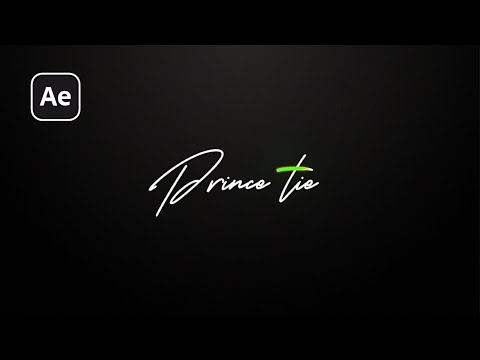
In this After Effects tutorial, I’ll show you how to create a signature-style text animation in after effects. This is a clean, cinematic motion style that looks great for logo intros, name reveals, and personal branding videos. We’ll go step-by-step — starting from importing an Illustrator file, animating strokes, manipulating speed with time remapping, and finishing off with glow and gradient effects. 👉 Watch how to prepare your logo in Illustrator for After Effects: https://youtu.be/a2IDtXDdLBQ 🎬 Download the Project Files: 🔹 AE Project File (Free): https://www.sheikhsohel.com/download/signature-stylr-text-animation ☕ Support This Channel: https://sheikhsohel.com/support 🔧 Additional Resources: 🔸 Font Used – Download here: https://www.dafont.com/search.php?q=karstar 🔸 Suno.ai – Music Credit: https://suno.com/s/1diA84opdvhiIj8T 💬 Got questions? Drop a comment. 🔔 Don’t forget to Subscribe for more After Effects tutorials every week. #textanimation #aftereffectstutorial #signaturestyle

Continue this lesson in the app
Install CourseHive on Android or iOS to keep learning while you move.