
Summary
Keywords
Full Transcript
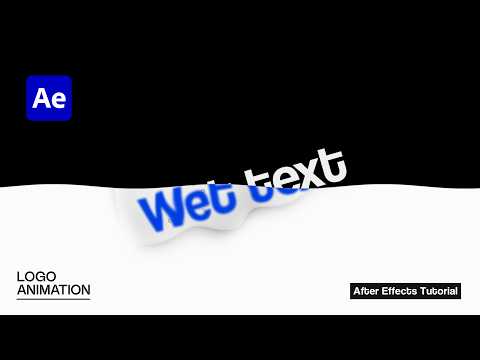
#logoreveal #logoanimation #aftereffects Learn how to create a text drop into water logo animation with cinematic reveal effects. This tutorial focuses on stylized water interaction, ripple distortion, bubble generation, and timing control to achieve a smooth, professional logo reveal. The animation follows an impact-driven concept — as the wordmark hits the water surface, it produces distortion, bubbles, and fluid movement. As the energy disperses, the logo gradually settles into a polished finish. Although the workflow is entirely 2D, the combination of ripple styling, depth treatment, and controlled motion creates an immersive, production-ready result suitable for brand intros and cinematic logo animations. 📝 Note: This is a custom logo animation tutorial created from scratch in Adobe After Effects. No plugins used also This is an advanced tutorial, so a basic understanding of After Effects is recommended. Free Project File Download 👉 https://www.patreon.com/collection/1610156?view=expanded Free Logo Animation Course 👉 https://www.youtube.com/watch?v=aodreLC0YHA&list=PLYpUYfZo1GTvE9EcfKAAdELY170dLocbC Thanks for watching and supporting the channel. More advanced motion design tutorials coming soon. 🔗 Social & Business Links 📸 Instagram: https://www.instagram.com/sheikhsohel.in/ 🌐 Website (Business Inquiry): https://www.sheikhsohel.com/

Continue this lesson in the app
Install CourseHive on Android or iOS to keep learning while you move.




