
Summary
Keywords
Full Transcript
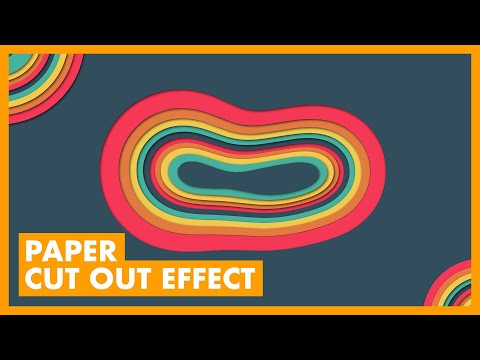
Use Compound shapes or image trace to create cool and highly customizable paper cut out effects in Adobe Illustrator CC. Paper Cut Out Illustrator Tutorial. ━━━━━━━━━━━━━━ 🔥 ↓ VIDEO GUIDE ↓ 🔥 00:33 Starting in Photoshop 02:29 Copying and tracing the artwork in Illustrator 03:40 Adding color from CC library 04:47 Adding the drop shadow 05:43 Stacking to get the effect perfect 07:05 Creating the organic/rough cut out style 08:24 Warping the shapes 10:20 Duplicating the shape and making layers 12:39 Warping the entire shape group 14:32 Clipping mask to contain the shapes ━━━━━━━━━━━━━━ 📝RECORDING NOTES → http://bit.ly/tutvid967 📸INSTAGRAM → http://instagram.com/tutvid 🎮DISCORD → http://discord.me/tutvid 📘FACEBOOK → https://www.facebook.com/tutvid 📱TWITTER → http://twitter.com/tutvid 🎓BUY MY PHOTOSHOP COURSE → http://bit.ly/28NuwFy ━━━━━━━━━━━━━━ MORE Illustrator Tutorials → http://bit.ly/tutvidAIPlaylist ━━━━━━━━━━━━━━ tutvid is a YouTube channel dedicated to creating the best Adobe Photoshop, Premiere Pro, Lightroom, and Illustrator tutorials. 📫BUSINESS INQUIRIES → [email protected] #IllustratorTutorial #GraphicDesign #Artwork

Continue this lesson in the app
Install CourseHive on Android or iOS to keep learning while you move.





![SEO Course [2026 Updated]](https://i.ytimg.com/vi/HeeUHugrG5U/hqdefault.jpg)