
Summary
Keywords
Full Transcript
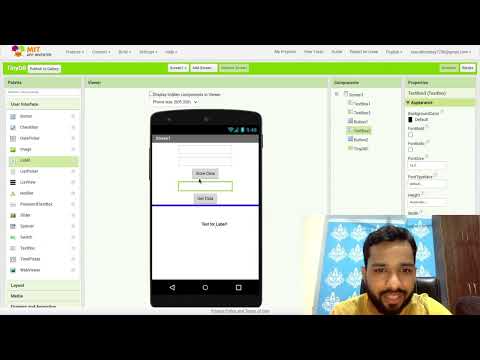
How To Use TinyDB in MIT App Inventor | TinyDB Database TinyDB in MIT App Inventor is a simple and lightweight database component that enables mobile app developers to store and retrieve data persistently within their apps. It serves as a local storage solution for Android applications created using MIT App Inventor, a visual programming environment. With TinyDB, developers can store key-value pairs of data, such as strings, numbers, and lists, and associate them with unique tags or keys. TinyDB is especially useful for creating apps that need to maintain data across app sessions or when offline. It allows for the creation of small-scale databases without the need for complex SQL queries or external server interactions. Users can store information like user preferences, game scores, or settings, and retrieve it later when needed. Since it operates within the app itself, it provides a convenient way to manage app-specific data without requiring external servers or complex configurations. In summary, TinyDB in MIT App Inventor is a valuable tool for integrating persistent data storage into mobile apps, making it easier for developers to create user-friendly and interactive applications without delving into advanced database management techniques. #tinydb #appinventor #thecodingbus #unitedstates #us #unitedstates #us

Continue this lesson in the app
Install CourseHive on Android or iOS to keep learning while you move.

