
Summary
Keywords
Full Transcript
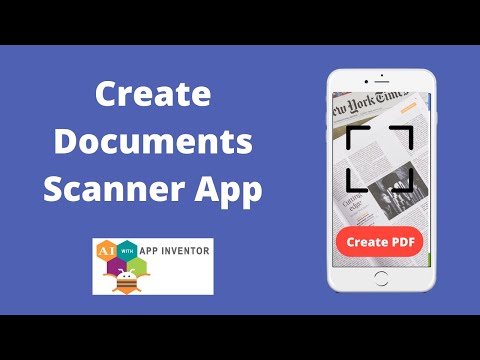
In this video, we will learn how we can make a document scanner app using the MIT App Inventor. Using this app you can scan anything like your documents and images and then you can convert them as a PDF file. We will use this app as an Image to PDF converter also. We will use here one free extension to create a pdf file. Will use some components like a Camera, layout, buttons, and labels. Extension Link-: http://kio4.com/appinventor/284C_extension_crear_pdf.htm Join this channel to get access to perks: https://www.youtube.com/channel/UCyNJURC5bvqIQ9vO9PBrYrA/join #TheCodingBus #AppInventor #MITAppInventor #DocumentScannerApp #ImageToPDF #AppDevelopment #PDFMaker #AppInventorProject #AndroidApp #BlockCoding #TCB #unitedstates #us

Continue this lesson in the app
Install CourseHive on Android or iOS to keep learning while you move.





