
Summary
Keywords
Full Transcript
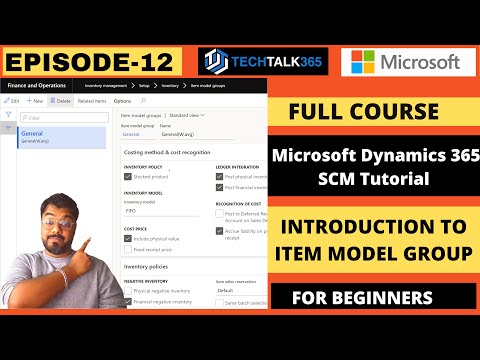
In this episode, I show you how to complete the released product set-up in Microsoft Dynamics 365 by configuring the item groups, item model groups within the released item. It is mandatory for you to define the item model group and item group for completing the creation of a released product/ item in Microsoft dynamics 365. Item model groups are created to control how items are managed in inventory regarding receipts, issues, consumes, reservations, etc. Item model groups can be set up to control how all stocked items of a certain type are handled and similarly how all non-stocked items of a certain type are handled. Item model groups are really great because they provide an easy way to group items that need to be handled similarly within the system. Item groups are used to divide inventory items into groups and assign a posting setup that might be different from the standard posting profile. This can really allow a company to differentiate between many different item types and then later report on items within these Item groups and their specific accounts. Do you enjoy watching Techtalk365 tutorial videos? Do you wish to watch all of them ads-free and well-organized by topics? Visit us at - https://dynamics365lab.com Connect with me on LinkedIn -https://www.linkedin.com/in/mohd-yasar/

Continue this lesson in the app
Install CourseHive on Android or iOS to keep learning while you move.




