
Summary
Keywords
Full Transcript
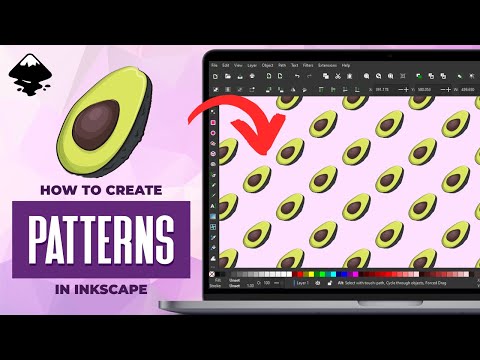
In this lesson we'll be going over how to turn a single object into a repeat pattern with Inkscape. One of the greatest advantages of using Inkscape to perform this is that it lets you turn virtually any object into a pattern, whether it be a shape, a grouping of objects, a clipped/masked object, or even a JPEG image! Want to learn more about how Inkscape works? Check out the Inkscape Master Class - a comprehensive series of over 50 videos where I go over every tool, feature and function in Inkscape and explain what it is, how it works, and why it's useful: https://logosbynick.com/inkscape/ 🔗 RESOURCE LINKS Official website: https://logosbynick.com Get 200+ free design templates: https://logosbyni.ck.page/join Get my premium logo templates: https://logosbynick.com/logo-mega-bundle/ Upgrade to the latest version of Inkscape here: https://inkscape.org/release/ 🎓 EXPLAINER COURSES Inkscape: https://logosbynick.com/inkscape/ Affinity Designer: https://logosbynick.com/affinity-designer/ GIMP: https://logosbynick.com/gimp/ Adobe Illustrator: https://logosbynick.com/illustrator/ Take my logo design workshop: https://logosbynick.com/learn/ ▶️ MY OTHER CHANNELS Adobe & Affinity tutorials: https://www.youtube.com/c/DesignMadeSimple/ Mobile tutorials: https://www.youtube.com/channel/UCe7cPBY4S6XMQZQsf2eC_5w 🎵 MUSIC USED Mama Swing - Lucas Pittman In Da Mood - Combustibles CHAPTERS 00:00 Intro 00:30 Turn an object into a pattern 04:26 Working example 08:18 Learn more

Continue this lesson in the app
Install CourseHive on Android or iOS to keep learning while you move.




