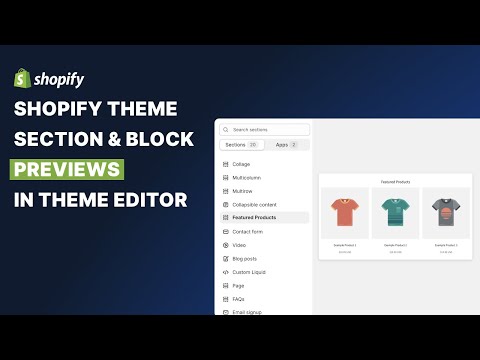
In this video we will see how to create previews for Sections and Blocks in Shopify's Theme Editor. This will help merchants better understand what each section does at a glance and improve their experience at the time of editing content in their store.
Resources
- Learn Shopify Theme Development with Liquid - https://www.youtube.com/playlist?list=PLsr48ksn9_9Bzii-fRXRTVAo3OPYTtMAU
- placeholder_svg filter - https://shopify.dev/docs/api/liquid/filters/placeholder_svg_tag
Timestamps
00:00 - Introduction
00:53 - Example 1
04:58 - How Theme Editor previews work
06:15 - The placeholder_svg filter
09:15 - Example 2
13:38 - Products Preview in the Theme Editor
16:29 - Example 3
Continue this lesson in the app
Install CourseHive on Android or iOS to keep learning while you move.





![Shopify Tutorial for Beginners | Learn Shopify in Hindi [Full Course]](https://i.ytimg.com/vi/7cx15NZmGO4/hqdefault.jpg)

