
Summary
Keywords
Full Transcript
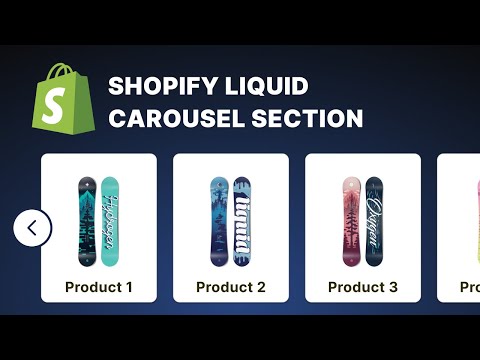
In this video we are going to see how to create a Carousel section for Shopify Liquid theme. This will cover how to include third party libraries in a Shopify theme, how to connect the section settings to a library and more. 🟢 My links - Website - https://stackingcontext.com - Support This Project - https://stackingcontext.com/support - Let's work together - https://stackingcontext.com#contact - Get Early Access To New Videos - https://www.youtube.com/@stackingcontext/join Resources - Shopify Liquid Tutorial - - Liquid for Shopify Theme Development tutorials - - Glider.js - https://github.com/NickPiscitelli/Glider.js Timestamps 00:00 - Introduction 01:42 - Adding the library 04:22 - Initializing the carousel 05:14 - Adding the carousel buttons 07:02 - Adding section settings to control the carousel 10:16 - Controlling the slides to show 12:46 - Styling the carousel 19:08 - Making the carousel responsive

Continue this lesson in the app
Install CourseHive on Android or iOS to keep learning while you move.



![Shopify Tutorial for Beginners | Learn Shopify in Hindi [Full Course]](https://i.ytimg.com/vi/7cx15NZmGO4/hqdefault.jpg)

