
Summary
Keywords
Full Transcript
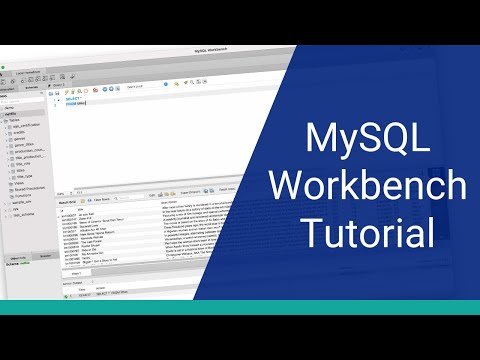
📝 Save Time With MySQL Workbench: https://databasestar.mykajabi.com/lpkj-timesaver-mysql-wb/?video=2mbHyB2VLYY 🎓 Master SQL Fundamentals: https://databasestar.mykajabi.com/sql-simplified/?video=2mbHyB2VLYY MySQL Workbench is a popular MySQL editor. It's free and available from the official MySQL website. If you're new to MySQL Workbench, then this tutorial will be helpful for you. In this video, you'll learn a few things, from how to start with creating a connection, creating a database schema, running queries, and viewing some of the common features of the application. This is my updated tutorial for 2022, with improved audio quality and updates to the tutorial based on feedback on the last video. Timestamps: 00:00 What is MySQL Workbench? 01:09 Home tab 01:40 Create a new connection in MySQL Workbench 03:14 Edit connections in MySQL Workbench 04:02 Overview of the UI 05:32 Create a new schema 07:13 Write and run Create and Insert statements 09:57 Run a Select statement 11:07 Save an SQL file 12:11 Output panel 12:41 Object browser 13:44 Generate statements 14:31 Import and Export Data overview 15:28 Clean up code with Beautify 16:00 Snippets 16:35 Edit data from results panel

Continue this lesson in the app
Install CourseHive on Android or iOS to keep learning while you move.




![SEO Course [2026 Updated]](https://i.ytimg.com/vi/HeeUHugrG5U/hqdefault.jpg)
