MS Project Tutorials - MS Project Tutorial 7 Inserting Changes Into a Project Schedule using MS Project
Master MS Project: Drive Efficiency, Reduce Errors, and Excel in Project Management! Unlock insights with hands-on tutorials covering setup, resource management, schedule updates, and professional reporting. Perfect for project managers aiming for success!
4.0(2)
48 learners
What you'll learn
Understand the fundamentals of setting up and managing a schedule using MS Project
Learn to apply resources and costs effectively to project schedules
Acquire skills to update and maintain project schedules for accuracy and efficiency
Explore techniques for customizing and formatting project documents in MS Project
This course includes
13.3 hours of video
Certificate of completion
Access on mobile and TV
Summary
Full Transcript
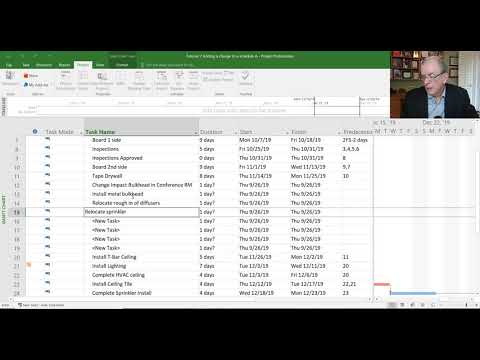
In this video Tom Stephenson explains how and why changes need to be inserted into a project schedule using MS Project. The video details the impact that change makes on the project schedule.
Continue this lesson in the app
Install CourseHive on Android or iOS to keep learning while you move.






![SEO Course [2026 Updated]](https://i.ytimg.com/vi/HeeUHugrG5U/hqdefault.jpg)
